
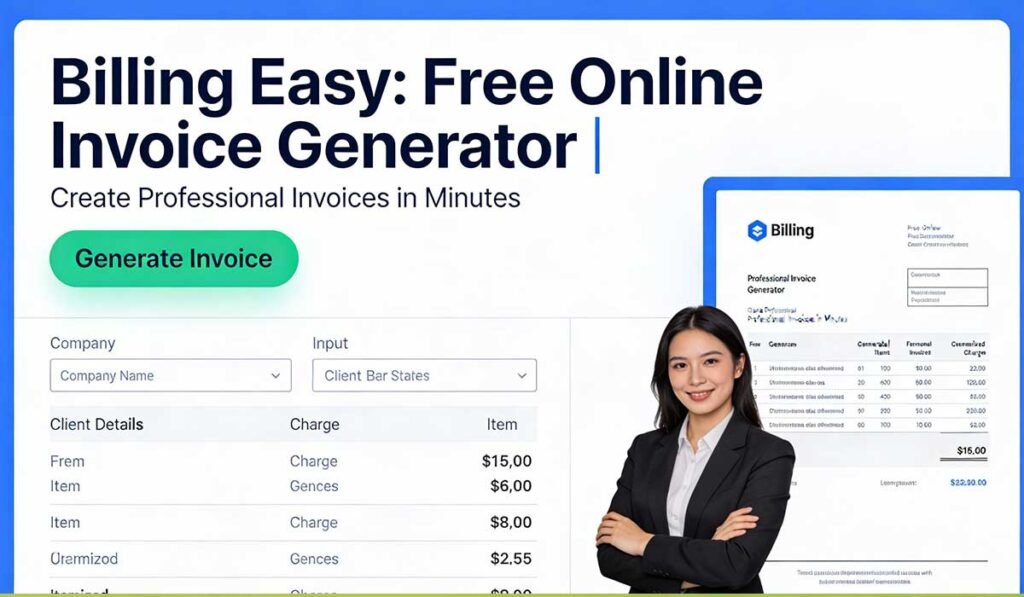
In today’s fast-paced digital world, generating invoices shouldn’t slow down your business. Whether you’re a freelancer, small business owner, or entrepreneur, having a simple, fast, and free invoice maker is essential. Introducing Billing Easy — your go-to online invoice generator tool designed to create professional, accurate, and customizable invoices in just a few clicks.
👉 Try Billing Easy Now:
What is Billing Easy?
Billing Easy is a free online invoice generator tool hosted on TekkTools.com that helps you create professional invoices without downloading software or signing up for complicated accounts. It’s fast, reliable, and perfect for anyone who needs to issue invoices quickly and accurately.
Whether you’re billing clients for services, tracking payments, or managing monthly subscriptions, Billing Easy simplifies your invoicing tasks with clean layouts, customizable fields, and instant download options.
Key Features of Billing Easy
✅ 100% Free and Online
No subscriptions. No hidden fees. Start generating invoices right from your browser.
✅ User-Friendly Interface
Even beginners can create professional invoices with zero learning curve.
✅ Customizable Templates
Add your logo, business details, taxes, and notes — all fully editable.
✅ Download & Share
Export your invoice as PDF, print it, or email it directly to clients.
✅ Mobile Friendly
Works seamlessly on phones, tablets, and desktops — perfect for remote work.
Why Use an Online Invoice Generator?
Invoices are more than a receipt — they are a record of your business transactions, help you track payments, and reinforce your brand identity. Here’s why an online invoice generator like Billing Easy is essential:
- 📌 No Software Installation Needed
- 📌 Instant Results
- 📌 Improved Billing Accuracy
- 📌 Professional Business Image
- 📌 Effortless Record Keeping
Step-by-Step: How to Use Billing Easy
- Open the Tool: Visit the Billing Easy page on TekkTools.
- Enter Your Business Info: Add your company name, logo, address, and contact details.
- Add Client Details: Fill in your customer’s name, email, and address.
- List Items or Services: Enter product names, quantities, prices, and tax rates.
- Generate Invoice: Click “Generate” and preview your professional invoice.
- Download or Share: Download the PDF, save it, or send it directly via email!
Tips for Better Invoicing
✔ Always include a unique invoice number
✔ Add clear payment terms (e.g., “Due in 15 days”)
✔ Include tax and discount details
✔ Keep client details accurate to avoid payment delays
✔ Save copies for bookkeeping or accounting
FAQs:
Is Billing Easy really free?
Yes! You can generate unlimited invoices for free with no login required.
Can I download my invoice?
Absolutely — invoices can be downloaded as PDF files or printed directly.
Do I need to register to use this tool?
No registration is required. Simply open the tool and start generating invoices.
Can I use it on my phone or tablet?
Yes! Billing Easy is fully responsive and works across all devices.
Is it safe to use?
Yes. Billing Easy runs entirely in your browser and does not store personal data unless you choose to save it.
Can I customize colors and branding?
You can add your logo and business details. Advanced users can adjust layout details based on your preferences.
Are generated invoices legally valid?
Invoices made with Billing Easy include all required fields for legal and professional invoicing. Always check local tax rules for compliance.
Start Invoicing Like a Pro Today
Creating invoices doesn’t have to be tedious. With Billing Easy, you get a free, intuitive, and powerful online invoice generator that helps you get paid faster and stay organized.
Generate Your Free Invoice Now: