
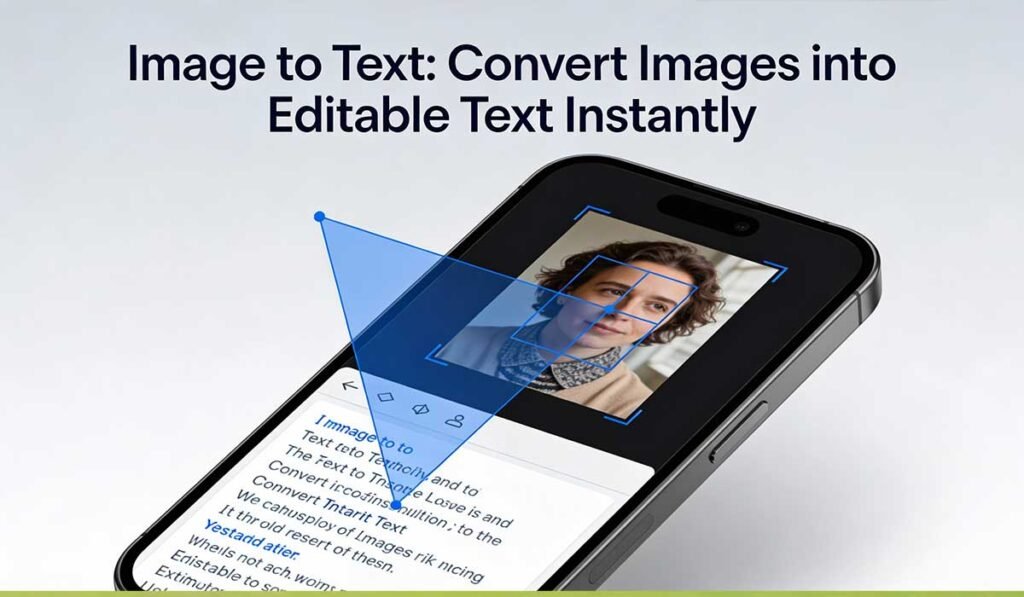
In today’s digital world, extracting text from images has become an essential tool for students, professionals, content creators, and businesses alike. Whether you’re scanning receipts, digitizing printed documents, capturing text from photos, or converting screenshots into editable text — Image to Text technology makes it fast, accurate, and effortless.
At TekkTools, we bring you a free and powerful Image to Text Converter that instantly transforms your images into text you can edit, copy, search, or store.
👉 Try Now:
What is Image to Text Conversion?
Image to Text (also called OCR — Optical Character Recognition) is a technology that reads text within an image and converts it into machine-readable characters. Unlike manual typing, OCR automates the process — saving time and eliminating errors.
Whether it’s a photo, screenshot, scanned PDF, or camera capture, OCR can recognize characters and convert them into editable, searchable text.
How Image to Text Works
Image to Text uses advanced machine learning and computer vision techniques:
- Image preprocessing:
The tool enhances the image (removes noise, adjusts contrast) for better recognition. - Text detection:
It identifies where text exists within the image. - Character recognition:
Each character is analyzed and matched against language patterns. - Output generation:
Finally, it produces clean, editable text you can copy, download, or share.
Why Use an Image to Text Converter?
Here’s why this tool is a game-changer:
- 💼 Boost Productivity: No more manual typing — convert instantly.
- 📚 Digitize Documents: Store and organize printed content in digital form.
- 📊 Extract Data: Useful for reports, research, and data entry.
- 📱 Mobile Friendly: Works on phones, tablets, or desktops.
- 🌐 Supports Multiple Languages: Recognizes text from different languages and scripts.
- 🆓 Free & Easy to Use: No complicated setup — upload and convert!
Real-Life Use Cases
1. Students
Convert handwritten notes or textbook pages for assignments and revision.
2. Professionals
Extract invoice data, business cards, receipts, or contract details.
3. Writers & Journalists
Pull quotes, captions, or interview excerpts from photos.
4. Researchers
Turn physical documents into searchable and editable text.
Tips for Best Results
To improve accuracy:
✔ Use clear, high-quality images
✔ Avoid blurred or low-contrast photos
✔ Crop unnecessary background before uploading
✔ Ensure text is straight and not angled
FAQs : Image to Text Converter
Q1. What file types are supported?
Most tools support JPEG, PNG, GIF, BMP, PDF, and other common image formats.
Q2. Is the conversion 100% accurate?
Accuracy depends on image quality — clearer text yields better results.
Q3. Can I convert handwritten text?
Yes, modern OCR handles many handwritten formats, though printed text is generally more accurate.
Q4. Is the tool free?
Yes! Our Image to Text Converter is completely free to use online.
Q5. How long does it take?
Conversion usually happens in just seconds — fast and efficient.
Q6. Does it support multiple languages?
Yes. It supports a wide range of languages depending on script and font clarity.
Final Thoughts
Image to Text technology simplifies your workflow, boosts efficiency, and eliminates the burden of manual typing. Whether you’re organizing, digitizing, or analyzing text — this tool gives you a seamless experience.
Ready to convert your image into editable text in seconds?
👉 Click below to start: